
Getting visitors to your website takes time and effort. But what happens when they leave and never return?
Web push notifications give you another way to reach those visitors. You can send updates about new blog posts, products, special offers, and important news directly through supported web browsers.
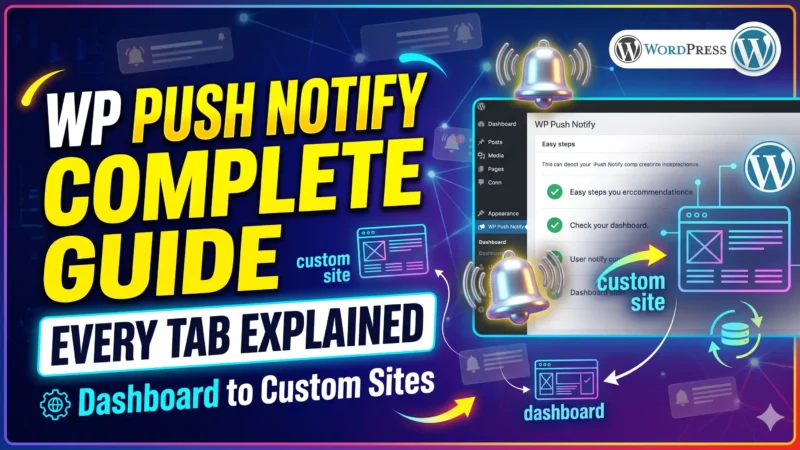
WPPushNotify helps website owners use web push notifications on WordPress and custom-built websites. It gives you another way to stay connected with visitors who choose to receive updates from your website.
What Are Web Push Notifications?
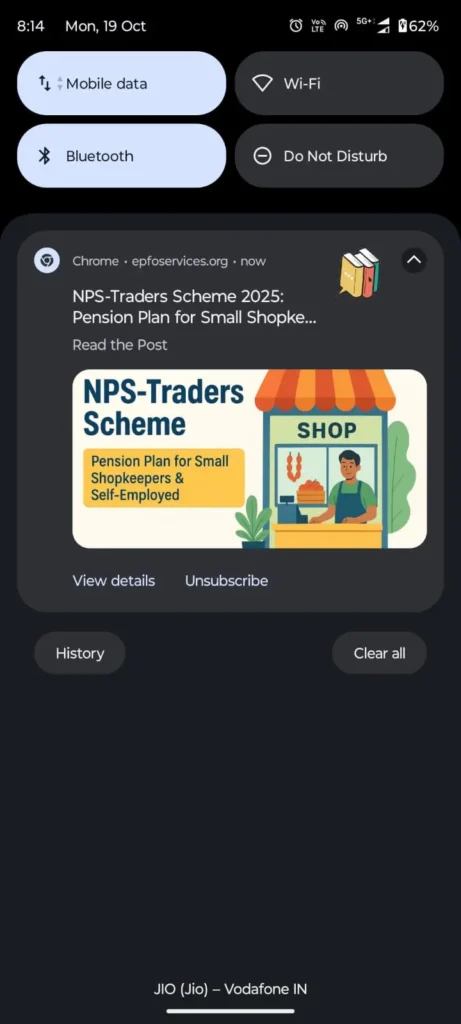
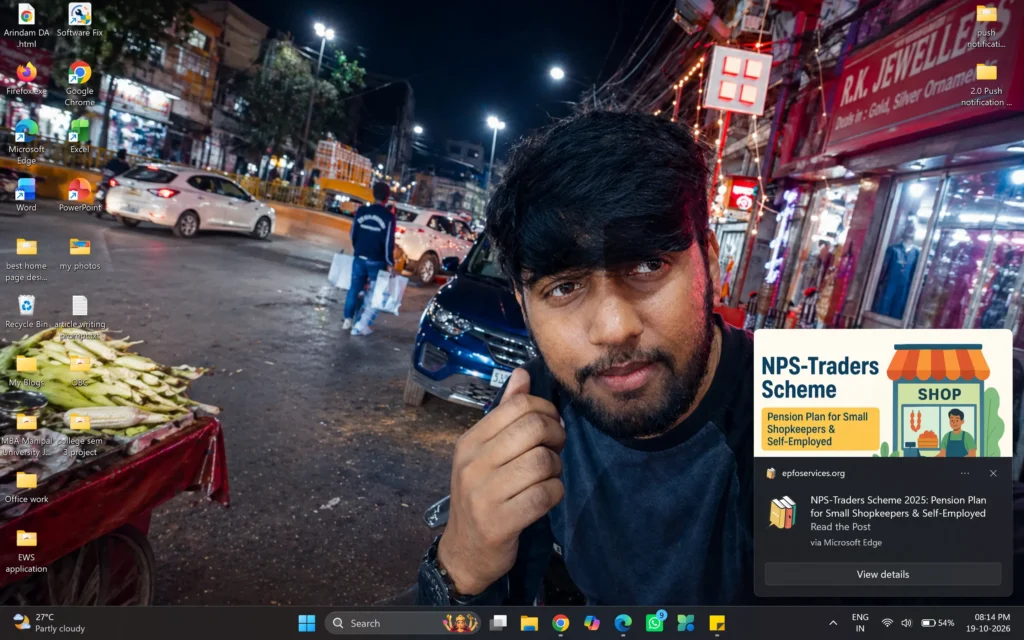
Web push notifications are short messages that websites can send to people who have agreed to receive them. These messages can appear on supported computers and mobile devices, even when the visitor is no longer browsing your website.
For example, imagine someone visits your online store but leaves without buying anything. A few days later, you publish a new product or launch a special offer. You can use a push notification to let your subscribers know about it.
Visitors do not need to give you their email addresses to subscribe to browser notifications. They simply need to allow notifications through a supported browser.
Why Should You Use Web Push Notifications?
Many people visit a website once and forget about it. They may find your content useful but never remember to return.
Web push notifications give you another opportunity to reach those visitors. Instead of waiting for them to visit again, you can share useful updates with people who have subscribed.
Here are some ways push notifications can help your website:
- Bring visitors back: Let subscribers know when you publish new content or share an important update.
- Promote products and offers: Tell interested visitors about new products, discounts, and special deals.
- Share important news: Keep subscribers informed about business updates, events, and announcements.
- Increase repeat visits: Give people a reason to return to your website.
- Reach visitors without email: Send short updates through supported browsers without requiring an email address.
Push notifications work best when your messages are useful and relevant. Sending too many messages can annoy subscribers, so focus on sharing information they actually want.
Use WPPushNotify on WordPress and Custom Websites
Not every website is built in the same way. Some website owners use WordPress, while others build their websites using HTML, JavaScript, or other technologies.
WPPushNotify is designed for both WordPress websites and custom-built websites, so you can choose an approach that fits your website.
Send Push Notifications From Your WordPress Website
If you run a WordPress blog, business website, or online store, push notifications can help you keep visitors informed.
You can use them to share new blog posts, announce new products, promote offers, and send important updates to subscribers.
For example, if you publish a new article, a notification can tell interested readers that it is available. They can click the message to visit your website and read the full article.
Add Push Notifications to a Custom Website
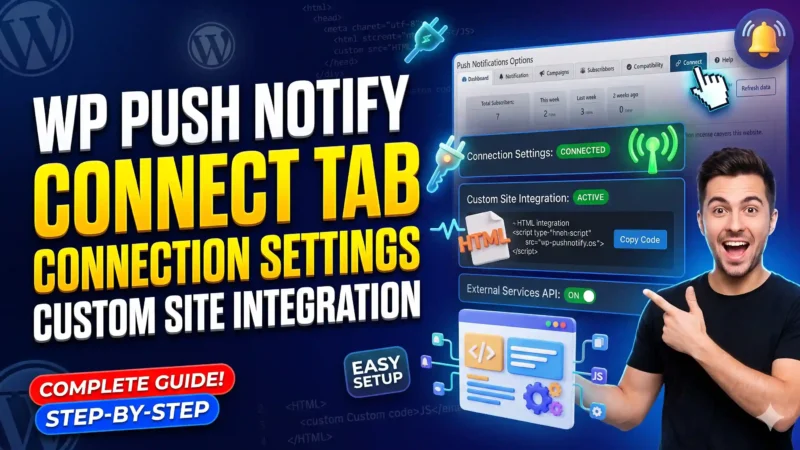
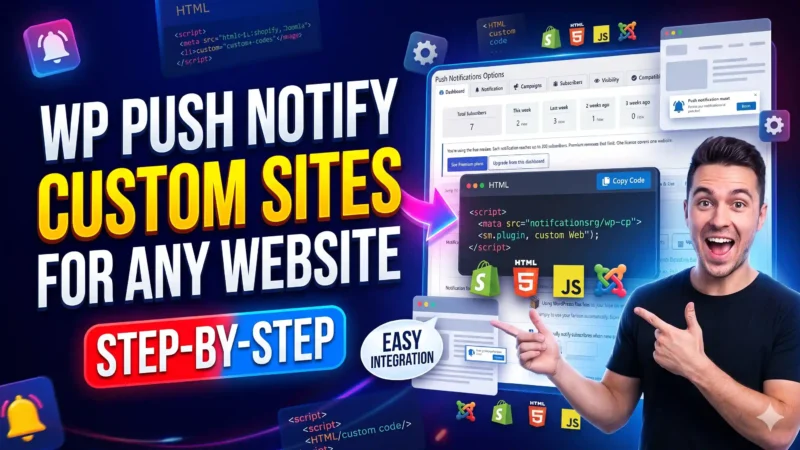
Do you have a website that does not use WordPress? You can still use web push notifications if your website and browser setup support them.
Custom-built websites may need additional setup before notifications can work correctly. The exact steps depend on how the website was developed and how the notification service is integrated.
Check the installation instructions for your website before getting started.
How Do Web Push Notifications Work?
Getting started with web push notifications usually involves a few simple steps.
Step 1: A visitor opens your website.
Someone visits your website to read an article, browse products, or learn about your services.
Step 2: The visitor chooses to receive notifications.
Your website asks whether the visitor wants to receive updates. The visitor can accept or decline the request.
Step 3: The visitor becomes a subscriber.
If the visitor agrees, their supported browser creates a subscription that allows your website to send push notifications.
Step 4: You send a notification.
You prepare a short message about a new article, product, offer, or important update.
Step 5: The visitor receives the message.
The notification may appear on the subscriber’s supported device. If the person clicks it, they can open the page linked to your message.
The process depends on browser support, device settings, internet access, and correct website setup. Not every notification is guaranteed to be delivered or seen.
What Can You Share With Push Notifications?
The best messages depend on the type of website you run. Here are a few practical examples.
Tell Readers About New Blog Posts
If you publish articles, guides, tutorials, or news, send subscribers an update when new content becomes available.
For example, a travel blog can notify readers about a new destination guide. A technology blog can share its latest product review.
Promote New Products and Special Offers
Online stores can use push notifications to announce new products, seasonal sales, and limited-time offers.
A short message with a link to the relevant product page can help interested subscribers discover what is available.
Share Business News and Updates
Business websites can use notifications to share announcements, new services, upcoming events, or changes that customers should know about.
This is useful when you want to keep interested visitors informed without relying only on social media posts.
Bring Visitors Back to Useful Pages
You can also direct subscribers to helpful guides, popular articles, updated resources, and other pages on your website.
Choose pages that offer real value instead of sending messages simply to get clicks.
How to Write Push Notifications People Want to Read
A useful notification should explain why the message matters. People often decide whether to click based on the title and short description.
Follow these simple tips to make your notifications more helpful.
Use a clear title. Tell people what the notification is about. For example, “Our New Buying Guide Is Here” is clearer than “Important Update.”
Keep your message short. Share the main point without adding unnecessary details.
Give people a reason to click. Link to a useful article, relevant offer, product page, or important announcement.
Send messages at suitable times. Think about when your audience is likely to read your message. Avoid sending non-urgent notifications at inconvenient hours.
Do not send too many notifications. Frequent messages can cause people to turn off notifications or unsubscribe.
Share relevant information. A message that helps the reader is more valuable than a message that only promotes your business.
Web Push Notifications or Email Marketing: Which Is Better?
Both web push notifications and email marketing can help you stay connected with your audience, but they work differently.
Email is useful for newsletters, detailed explanations, receipts, and longer messages. Web push notifications are better suited to short updates that direct people to a specific page.
Push notifications also allow people to subscribe without providing an email address. However, they must give permission through a supported browser.
You do not necessarily need to choose one over the other. Many websites can use both methods to reach their audience in different ways.
Do Web Push Notifications Work on Mobile Phones?
Yes, web push notifications work on many mobile devices, but support depends on the browser and operating system.
Android devices commonly support notifications through compatible browsers. Apple devices have additional requirements for web apps and notification permissions.
Desktop browsers also support web push notifications, although the exact behavior varies between browsers and devices.
Before installing a push notification solution, check its compatibility with the devices your visitors use. Your website must also meet the required security and setup conditions. For production websites, HTTPS is generally required.
How to Get Started With WPPushNotify
If you want to bring visitors back to your website, web push notifications are worth considering.
WPPushNotify is built to help website owners use push notifications on WordPress and custom-built websites. You can explore the available setup options and choose the approach that suits your website.
Start by setting up notifications correctly, allowing visitors to subscribe voluntarily, and preparing useful messages for your audience.
You do not need to send a notification every day. Begin with important updates, new content, or relevant offers. Over time, pay attention to which messages attract genuine interest and adjust your approach.
Start Bringing Visitors Back With Web Push Notifications
Getting a visitor to your website is only the first step. Giving that person a reason to return can help you build a stronger connection with your audience.
Web push notifications provide another way to share new content, promote products, and keep subscribers informed. They can work alongside your existing search engine, email, and social media efforts.
Whether you use WordPress or a custom-built website, WPPushNotify can help you explore web push notifications as part of your website communication strategy.
Visit WPPushNotify.com to learn more and get started.