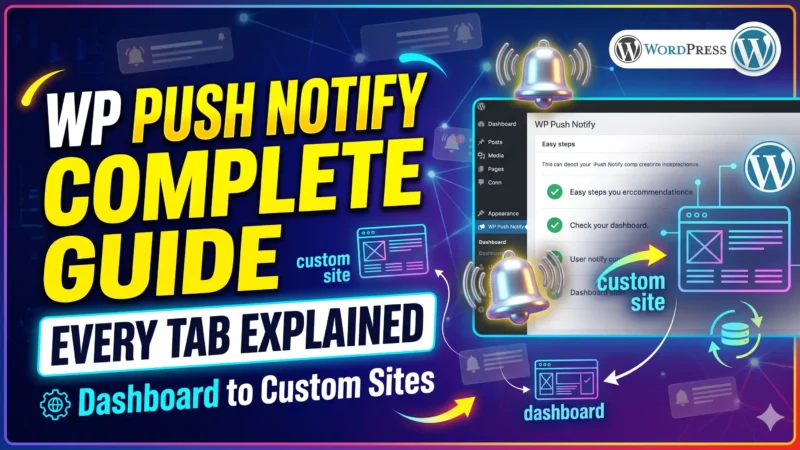
WP Push Notify Complete Guide: Every Tab Explained, From Dashboard to Custom Sites
WP Push Notify is a self-hosted push notification plugin for WordPress. It lets visitors say yes to notifications in their browser, and then sends them a…
Install the plugin, set up the subscribe popup and send your first notification.
WP Push Notify is a self-hosted push notification plugin for WordPress. It lets visitors say yes to notifications in their browser, and then sends them a…
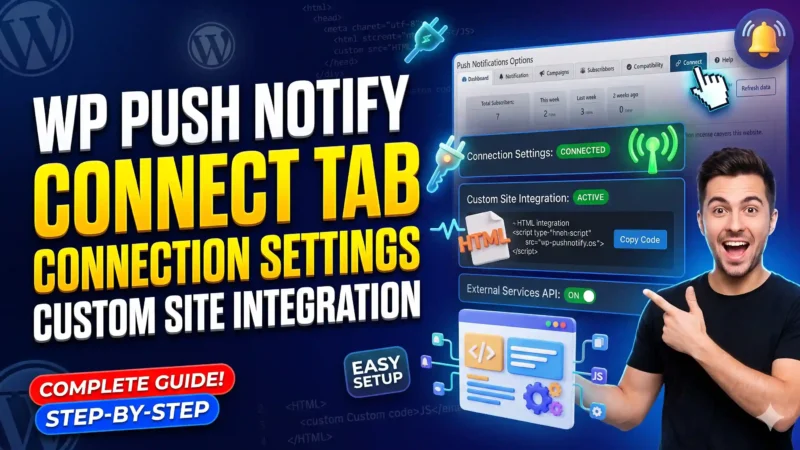
The WP Push Notify Connect tab tells you whether your site is ready to send push notifications, and holds the settings that decide how your site…
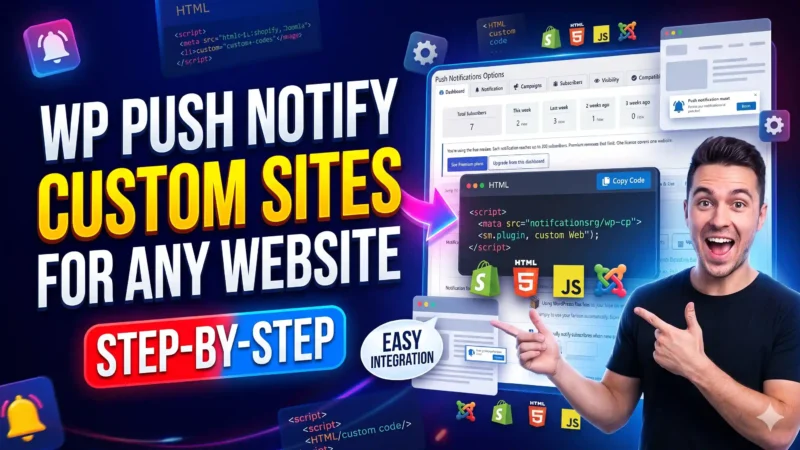
Not every website runs on WordPress. Maybe your main site is hand-coded, built with Laravel, Node.js, Shopify-style custom code, or a plain set of HTML pages.…
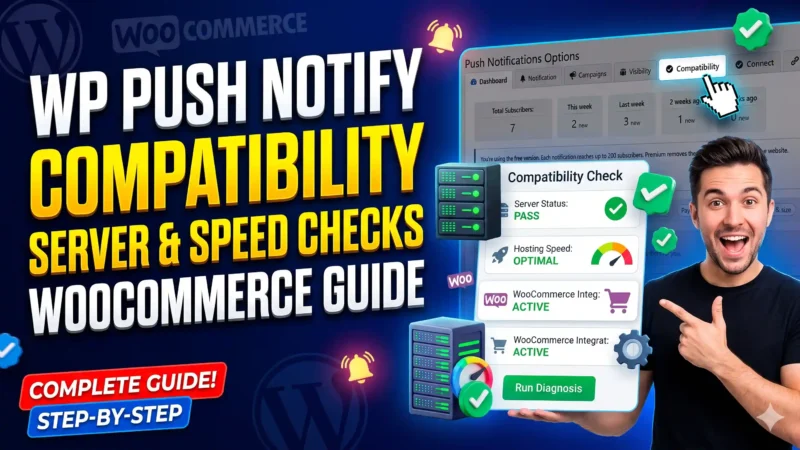
The WP Push Notify Compatibility tab is a health check for your push notifications. Before you worry about popups or messages, it tells you whether your…
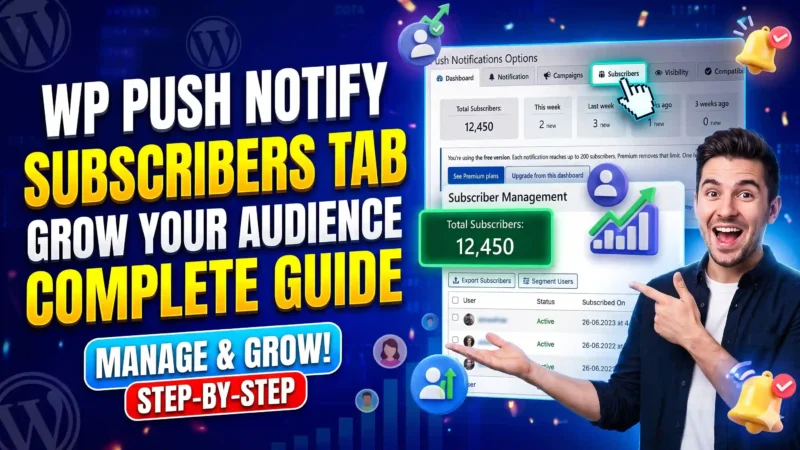
The Subscribers tab shows the people who have said yes to your notifications. It also holds the tools you need to keep that list safe: downloads,…
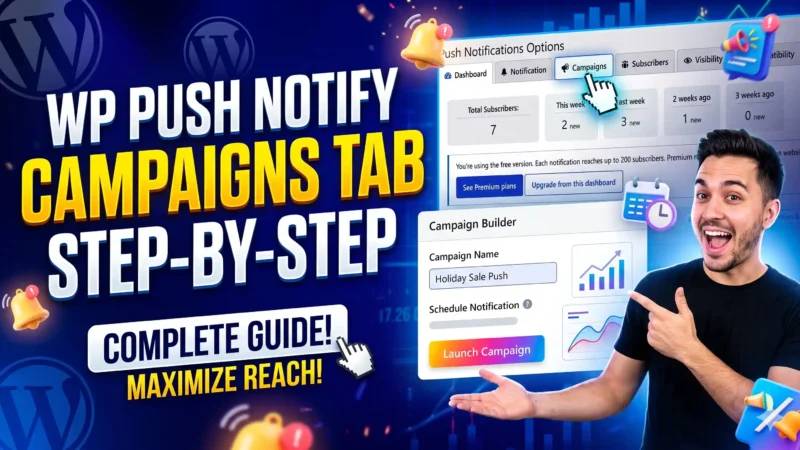
The WP Push Notify Campaigns tab is your sending history and your control room for scheduled messages. Every notification you send from the Notification tab, or…
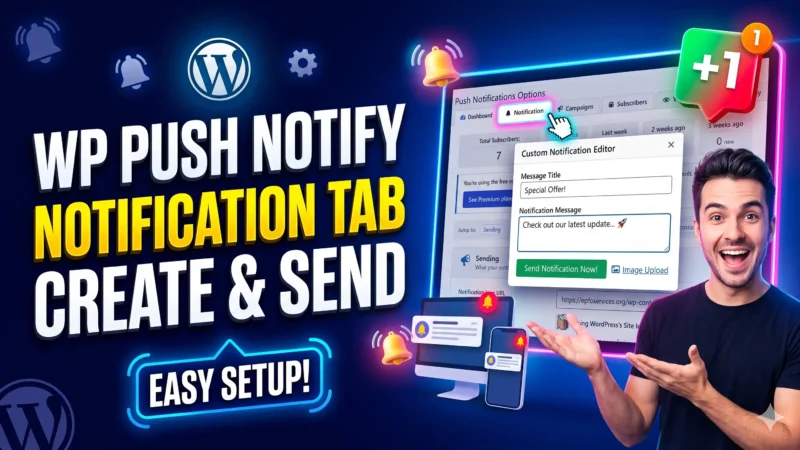
The WP Push Notify Notification tab is where you write and send a push notification by hand. Open WP Push Notify in your WordPress menu and…
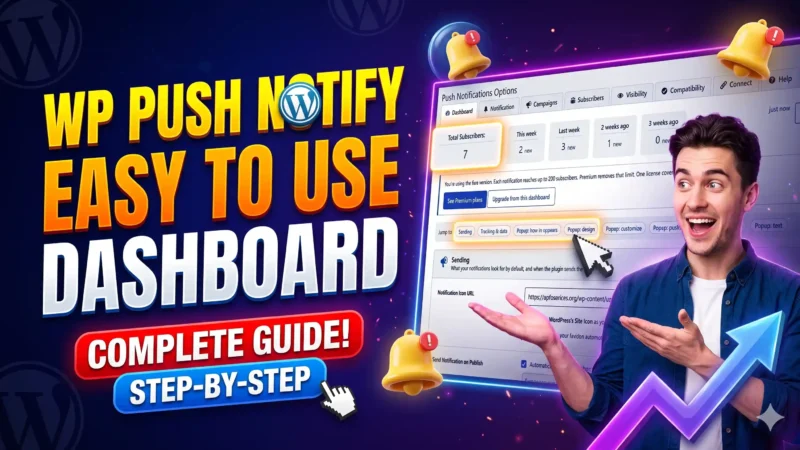
The Dashboard tab is the first screen you see after installing WP Push Notify, and it is also where most of your settings live. Open it…
Getting visitors to your website takes time and effort. But what happens when they leave and never return? Web push notifications give you another way to…